AI Conversations list
Go to Operations > AI Conversations to see all chat sessions.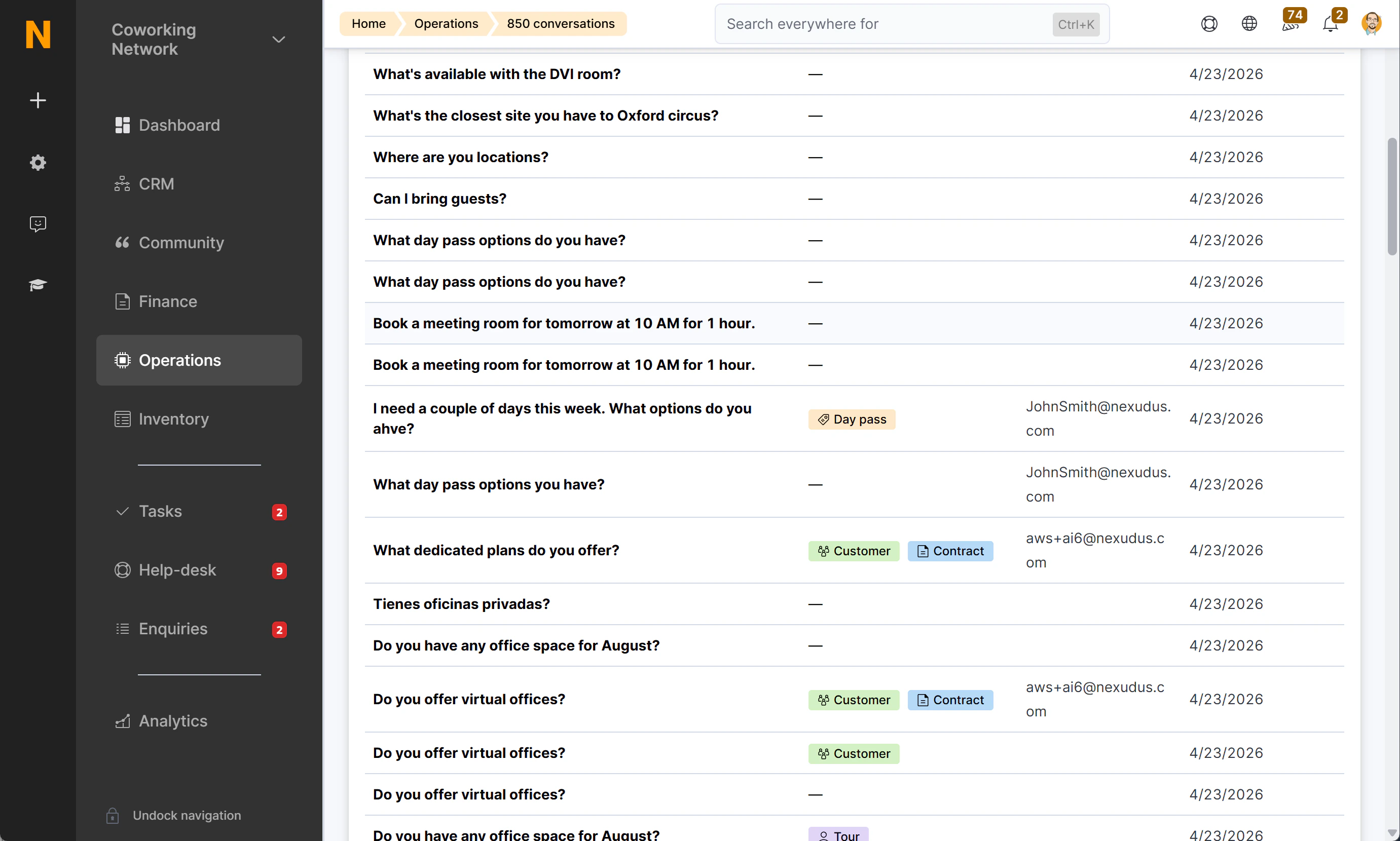
The list defaults to the 250 most recent conversations. You can search by message content or filter by chat session ID.
Viewing a full conversation
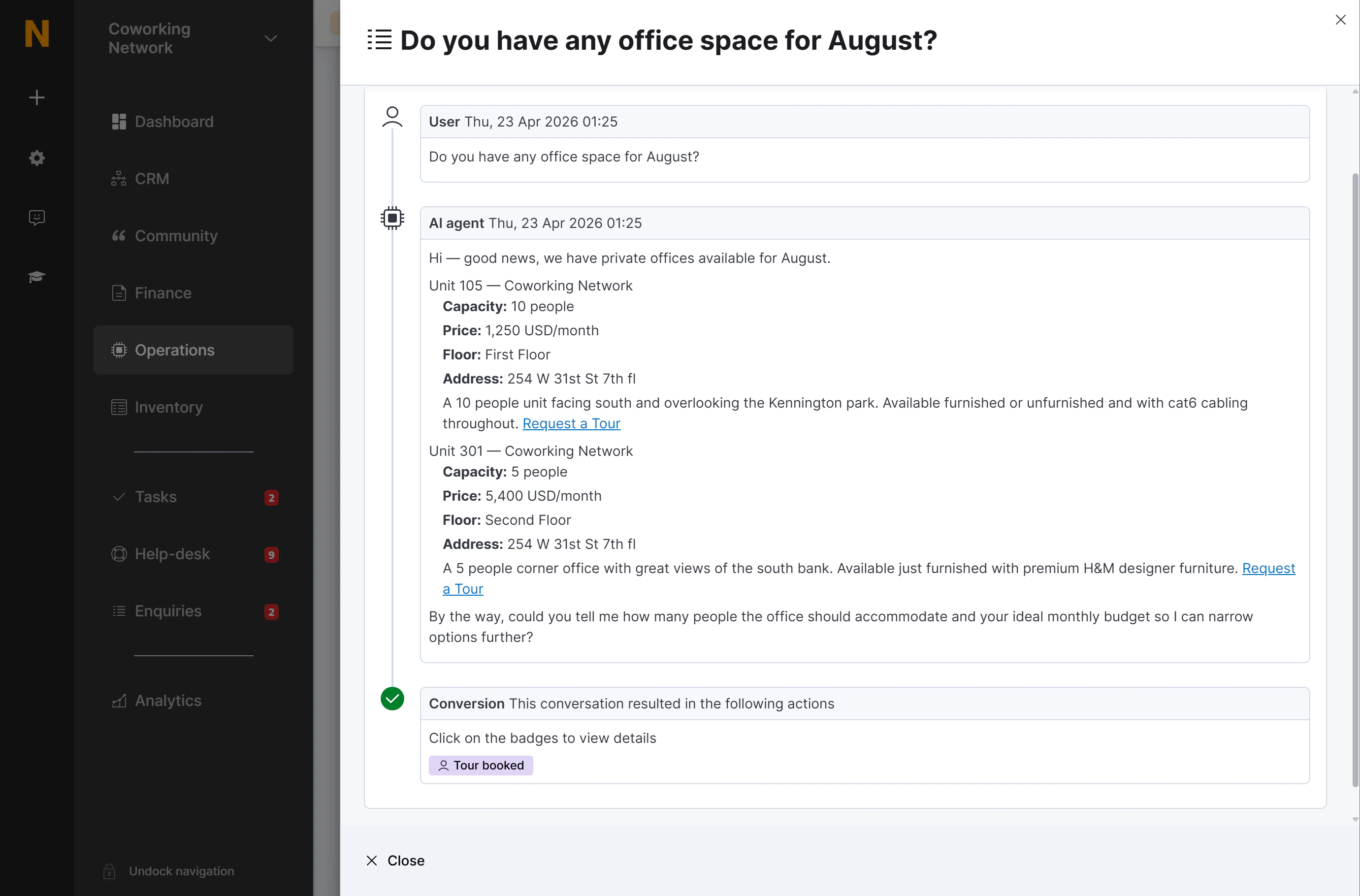
Click any row to open the conversation detail panel. This shows the complete message thread:- User messages — person icon, labelled “Visitor”
- AI responses — computer icon, labelled “AI agent”
- Messages are rendered as formatted text (bold, links, headings as written by the AI)
- Internal tool calls are hidden — you see only the natural-language exchange, not the underlying data requests
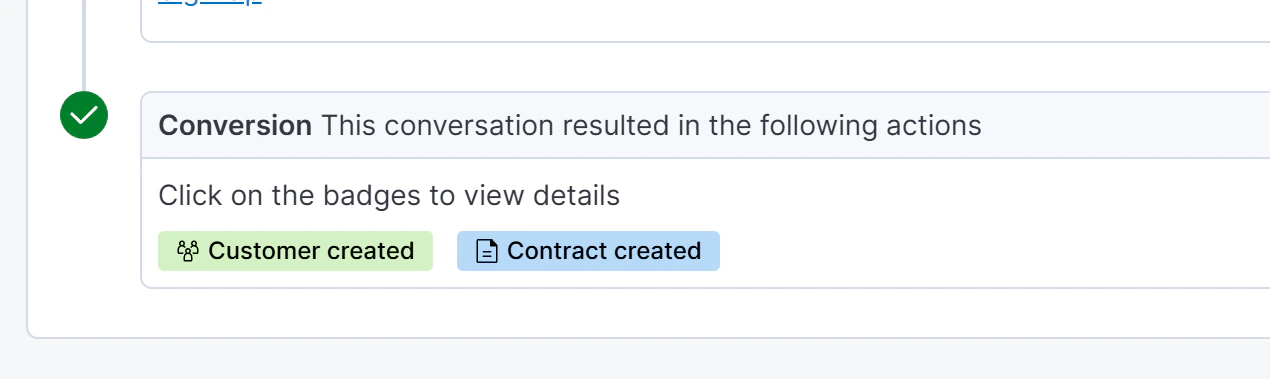
Understanding conversion badges
A single conversation can show multiple badges — for example, a new sign-up produces both “Customer created” and “Contract created”.
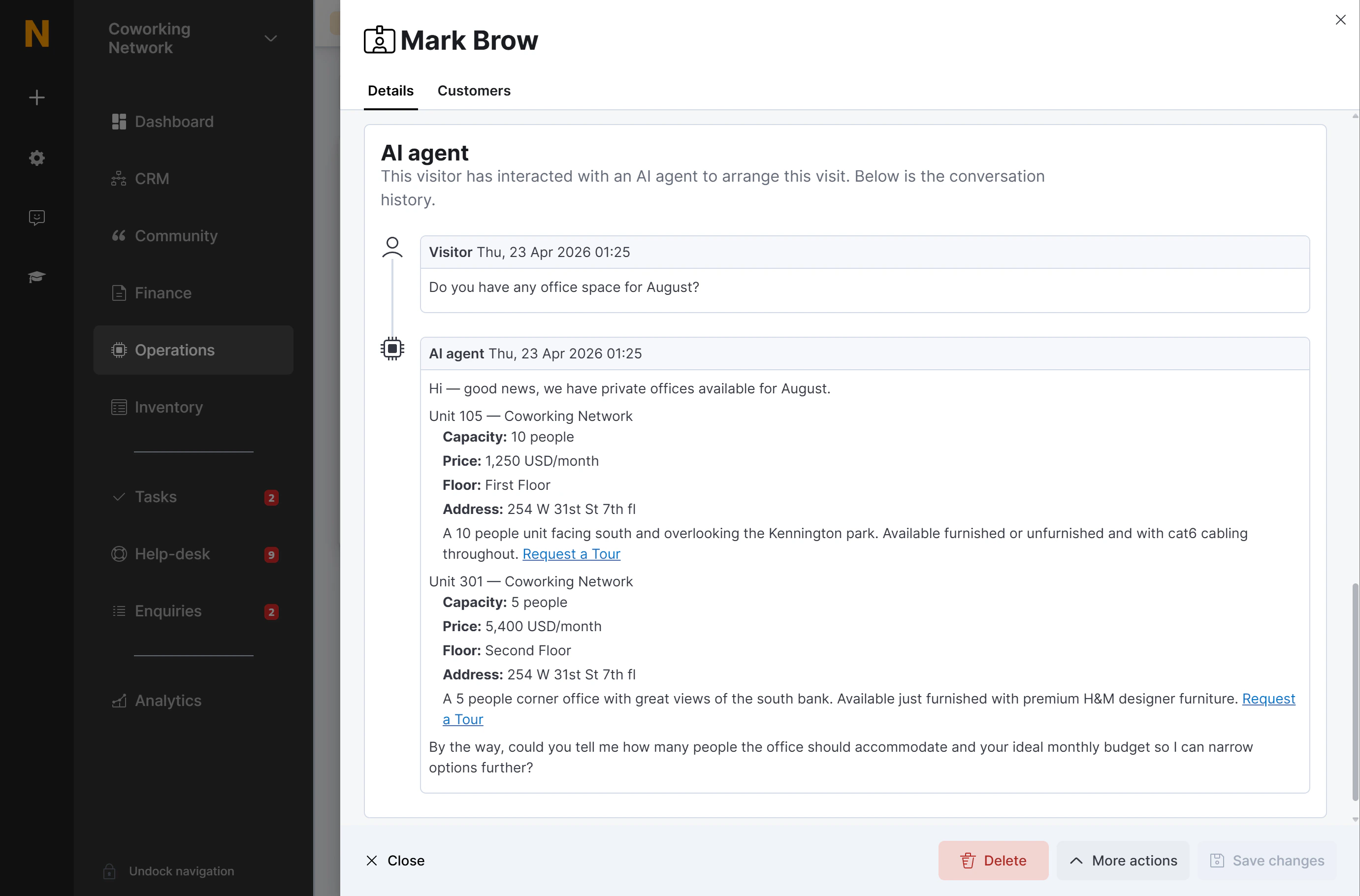
AI conversations in Visitor records
When a prospect books a tour through the AI assistant, the full chat conversation appears directly on their Visitor record. This gives your team context before the visit — they can see exactly what the prospect asked about, which offices interested them, and what requirements they mentioned. To find it:- Go to Spaces > Visitors and open the relevant visitor.
- Scroll to the AI Agent Conversation section.
- The full thread is displayed with the same user / AI agent layout as in the AI Conversations list.