

Store
The store page is a browsable catalogue of all products available for purchase — memberships, time passes, add-on services, and physical goods.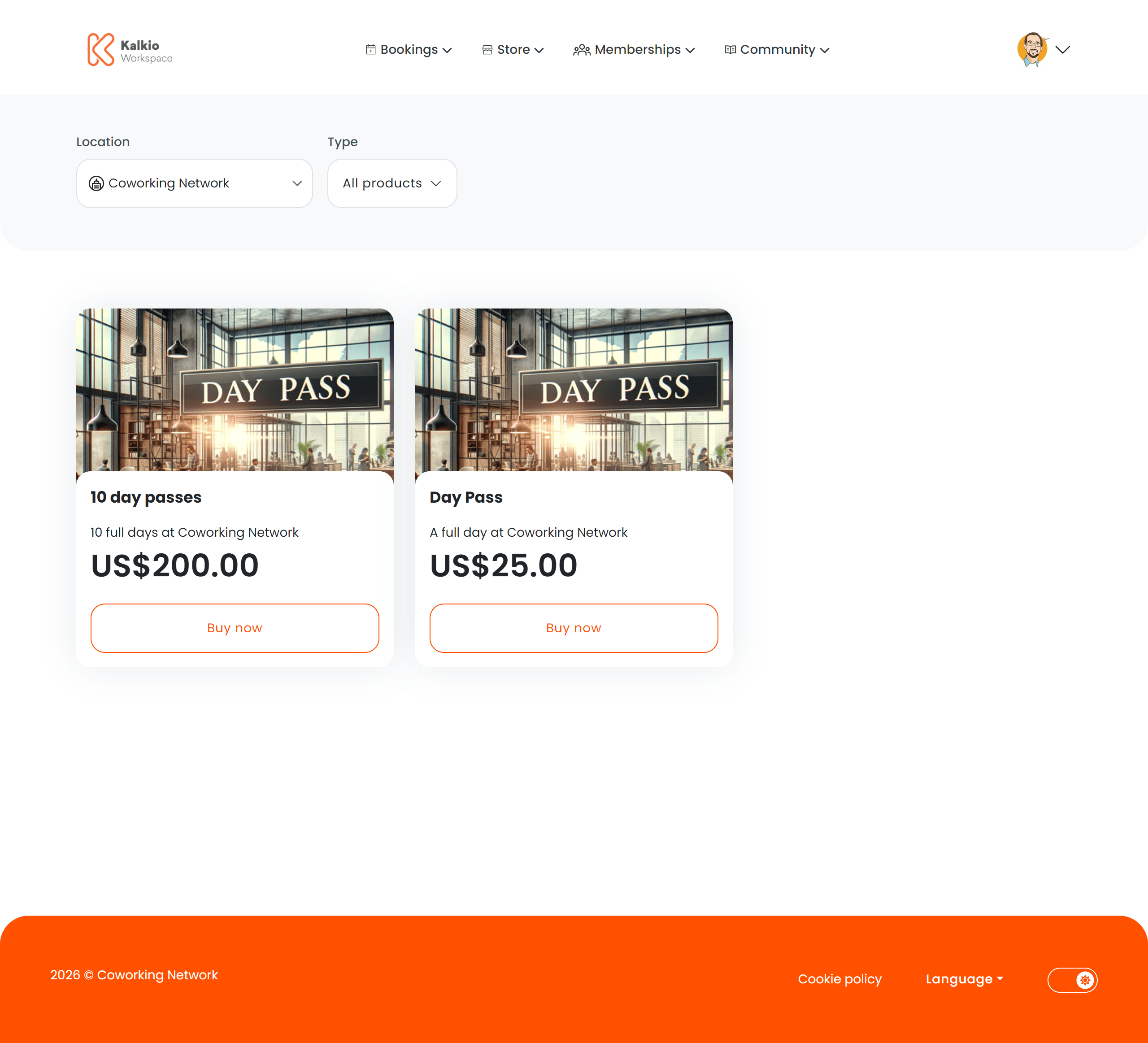
What members see
Products are displayed in a responsive grid. Each product card shows:- Product image
- Product name and description
- Price (in the location’s currency)
- Out-of-stock badge when inventory is depleted
Filtering
The store URL supports type-based routing (
/store/all, /store/:type) so you can link directly to a filtered view.
Key features
- AI-assisted recommendations — an optional AI prompt suggests products based on the member’s needs.
- Authentication awareness — unauthenticated visitors see login/signup prompts. Non-members see relevant guidance.
- Dynamic pricing — prices respect location billing settings and hide when billing is not enabled.
- Responsive grid — card sizes adapt to screen width with configurable minimum widths and gaps.