

Sign In
The sign-in page is the gateway to the Members Portal. It supports multiple authentication methods to suit different security and convenience needs.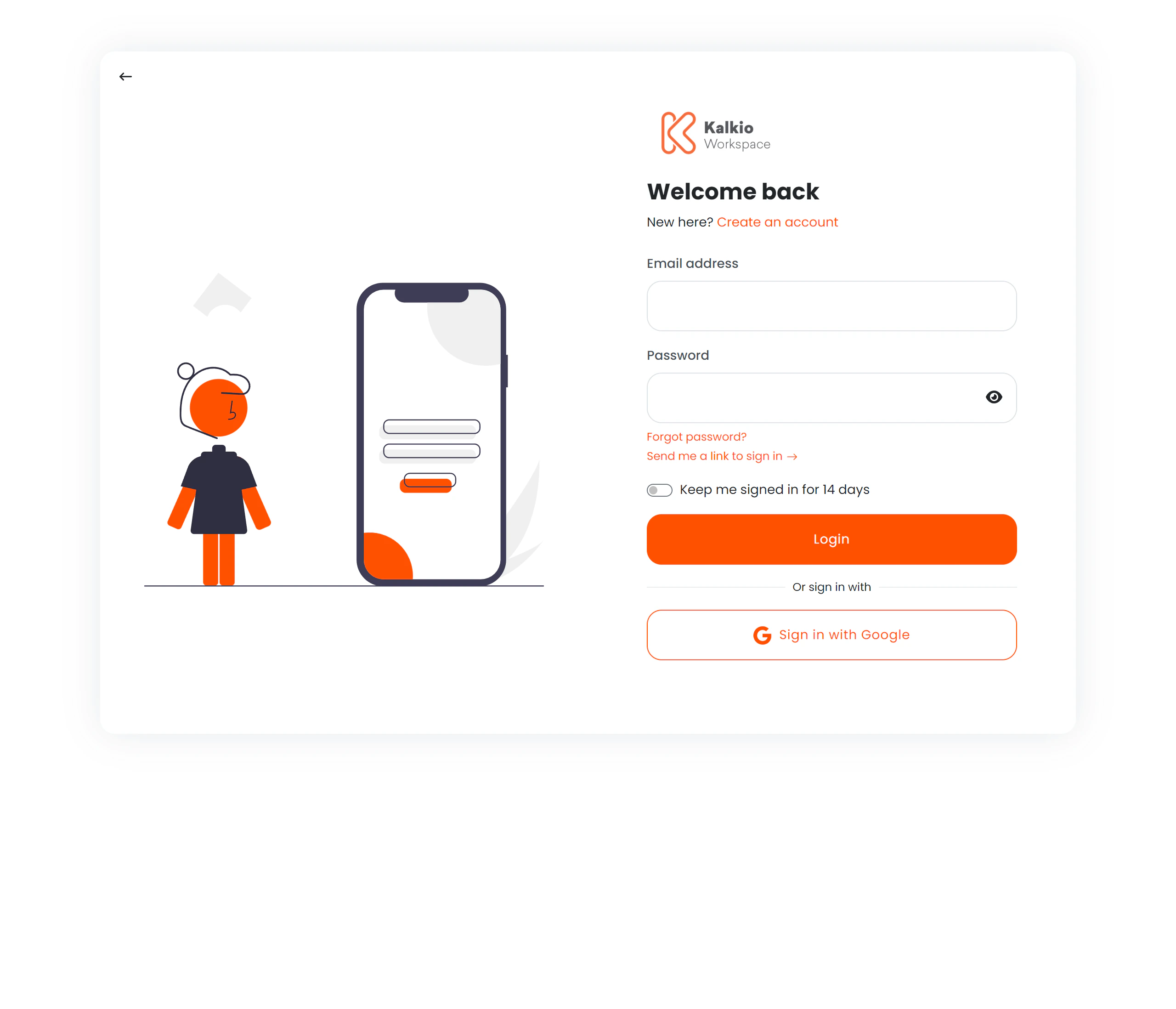
Authentication methods
Email & password
The standard login flow:
A Forgot password? link leads to the password recovery flow.
Magic link
Instead of typing a password, members can request a one-time login link sent to their email. After clicking “Send magic link”, the page shows a Go to Inbox section with quick links to popular email providers (Gmail, Outlook, iCloud, Yahoo).Two-factor authentication (TOTP)
If enabled, members enter a 6-digit code from their authenticator app after providing their email and password. The OTP input features:- Auto-focus advancing between digits
- Numeric-only input
- Keyboard navigation with backspace support
Single Sign-On (SSO)
Buttons for external identity providers appear when configured:
SSO buttons display provider names with fallback labels.
Account creation
If signup is enabled for the location, a Create an account link opens a signup form as a modal overlay — members can register without leaving the login page.Page layout
The page uses a split layout:
The business logo and primary colour theme are applied automatically from your location settings.
Redirect handling
After a successful sign-in, the member is taken to whichever of the following applies first:- Their home location’s dashboard — when Redirect customers to home location on login is enabled and they signed in at a location that is not their own. See below.
- The page they were heading to — when they reached the sign-in page from somewhere specific: following a link to an event, choosing Sign in on a booking or community page, or being asked to sign in again on a page that requires an account.
- The dashboard of the location they signed in at — the default when neither of the above applies.
Redirect customers to home location on login
In a network, a member can sign in from any location’s Members Portal — not only the location that invoices them. A member of one space might sign in at a sister space because they are working there that day, because they followed a link, or because they bookmarked the wrong page. Without this setting they land on that location’s dashboard, which does not show their membership, invoices, or bookings.
A member whose home location is the one they signed in at is never redirected — they are already in the right place.
The redirect never overrides a destination the member chose. If they were on their way to a specific page — an event, a resource they were about to book, a community post they wanted to comment on — they are taken there instead, even when that page belongs to a different location in the network. The redirect applies when someone simply signs in with nowhere in particular to go.