

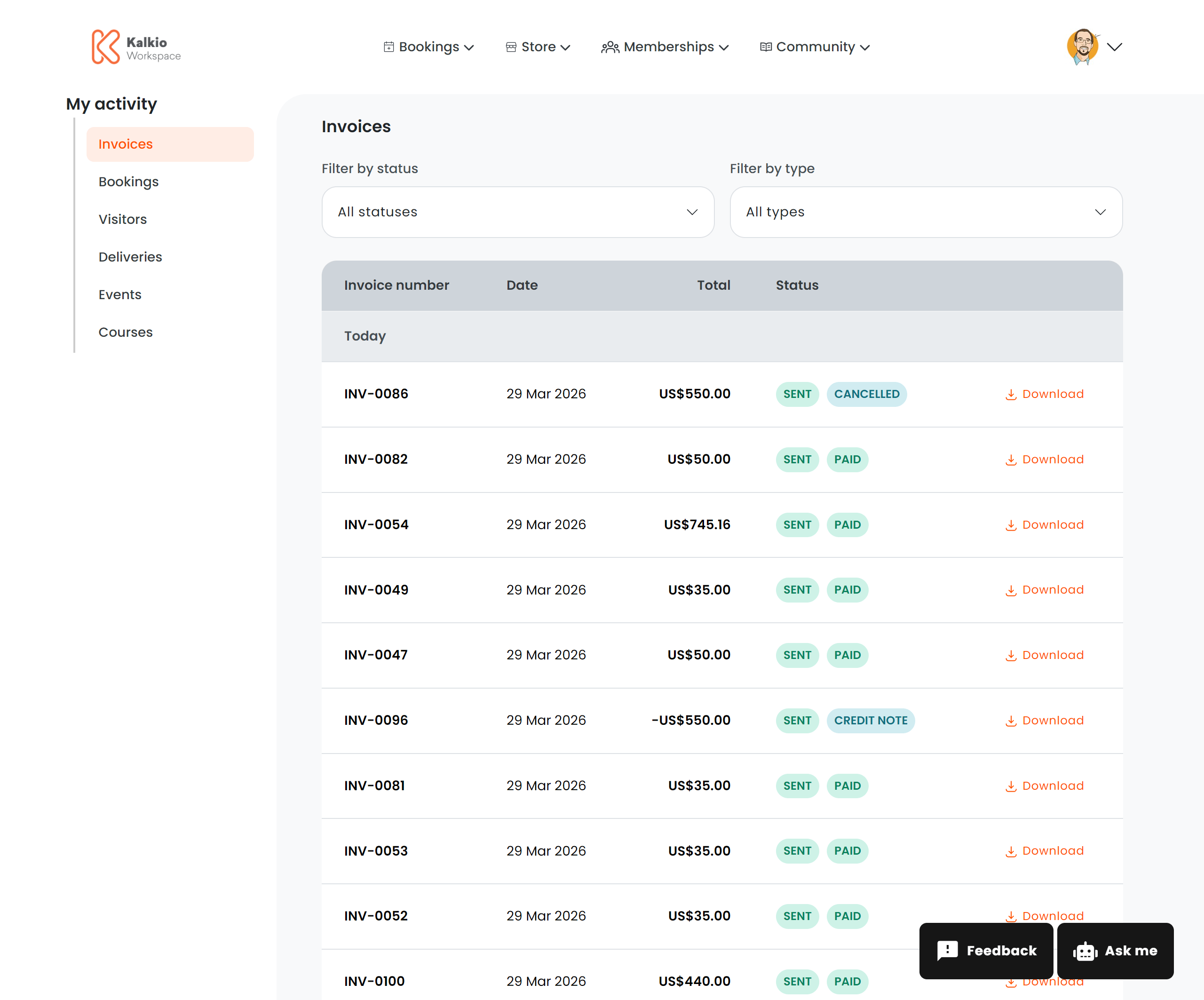
What members see
A paginated table of all invoices and credit notes grouped by date, with the following columns:Status badges
Invoices display colour-coded status badges:Filtering
Actions
The Download statement and Preview next invoice links appear below the invoices table when the billing print permission is enabled.
Mexican invoices (CFDI)
At a location that stamps Mexican CFDI invoices, an invoice with a stamped CFDI shows a Download menu instead of the plain Download link, so the row keeps its width. The menu lists:
Cancelled CFDIs and cancelled payment complements are left out of the menu. Invoices with no CFDI keep the plain Download link.