

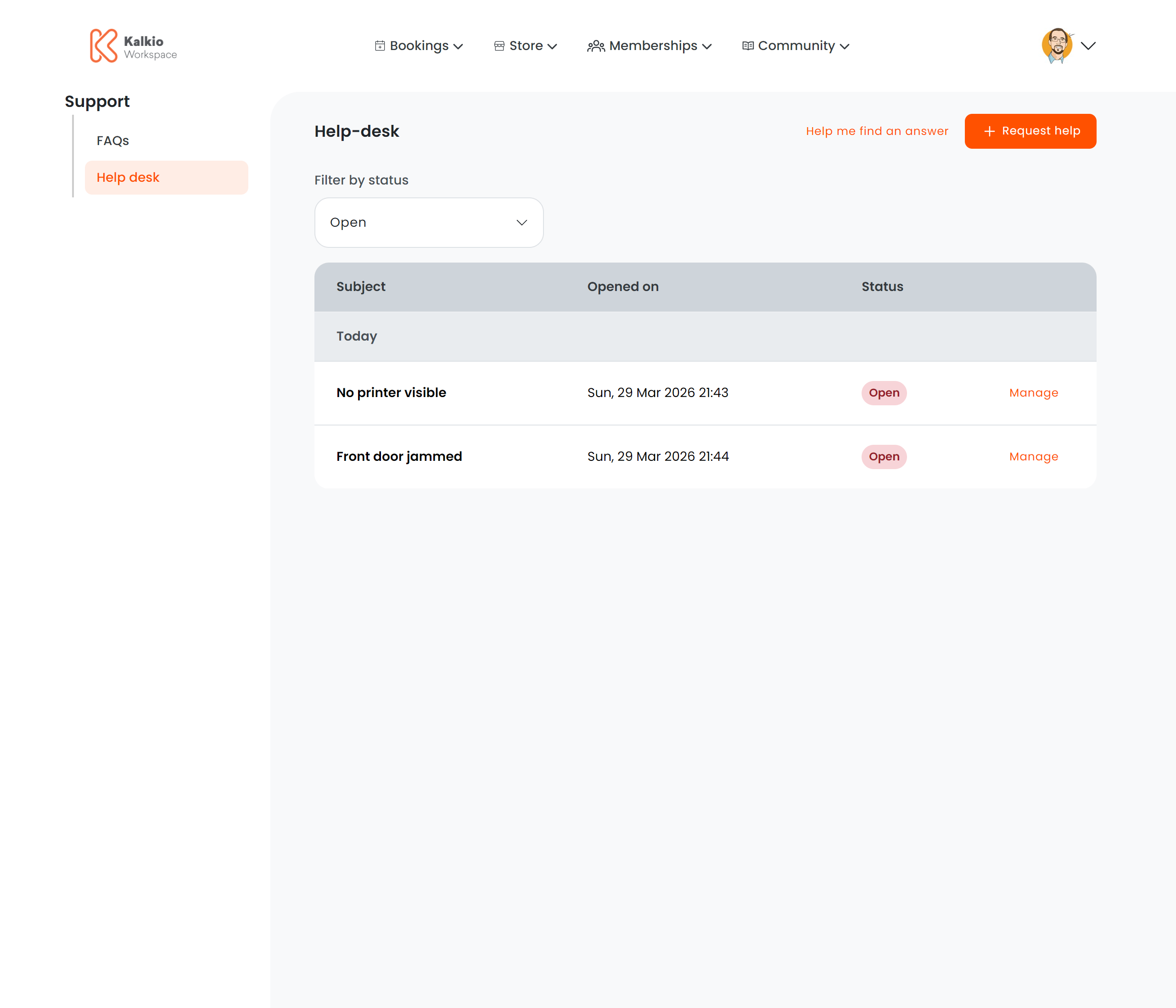
What members see
Quick actions
Ticket list
A table of submitted tickets with the following columns:
Members can filter tickets by Open or Closed status.
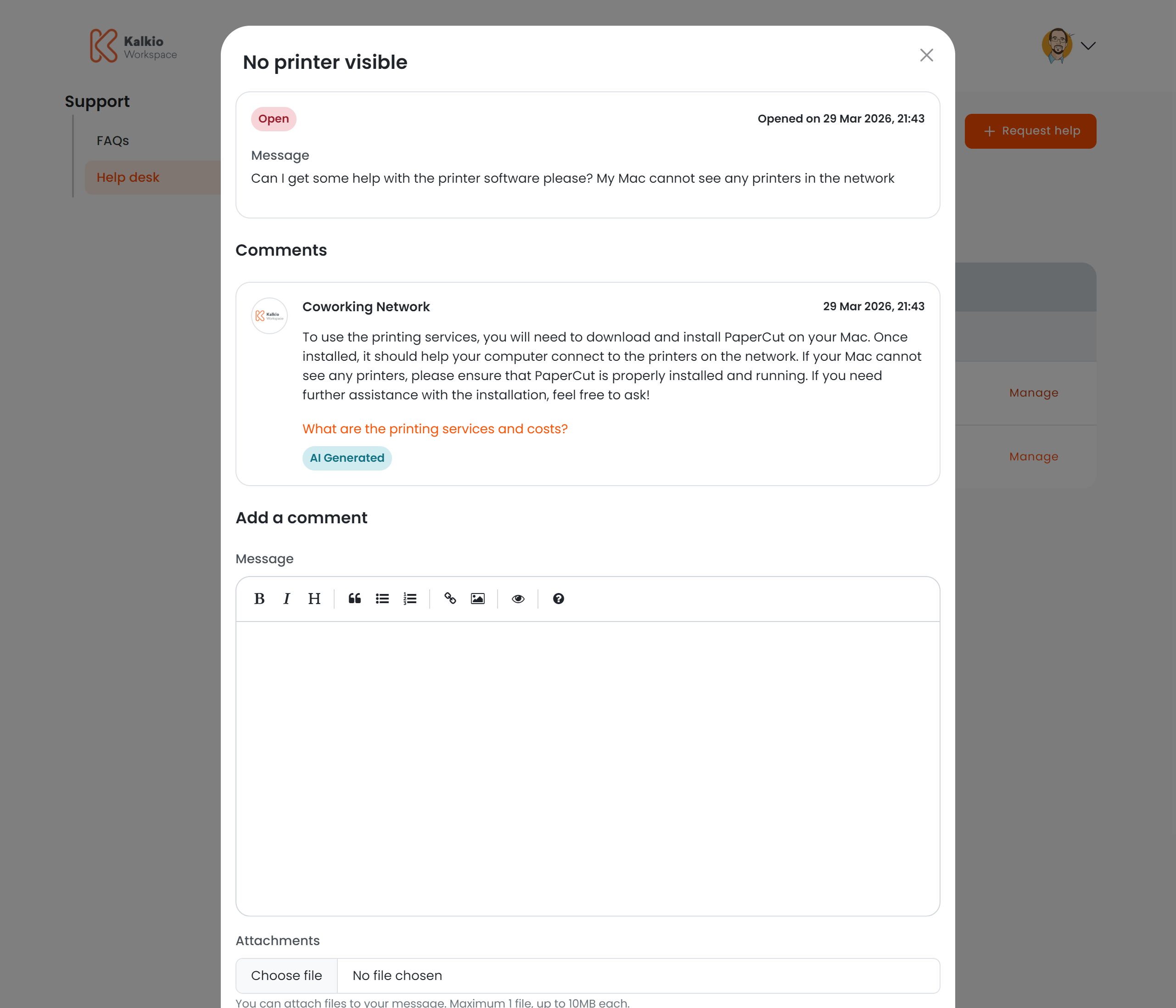
Ticket detail
Clicking Manage on a ticket opens a detail modal where members can:- View the full conversation history
- Read staff responses
- Add comments and replies
- Close or reopen the ticket
Creating a ticket
The “Request Help” button opens a modal form. Support for deep linking is built in — append?action=create&subject=X&message=Y to the URL to pre-populate the form (useful for contextual help links).
Key features
- AI-powered self-service — the “Help Me Find” button uses AI to answer common questions before creating a ticket.
- Threaded conversations — staff and members can exchange messages within each ticket.
- Deep-link support — pre-fill ticket subject and message from URL parameters.
- Analytics — AI chat usage is tracked for reporting.