

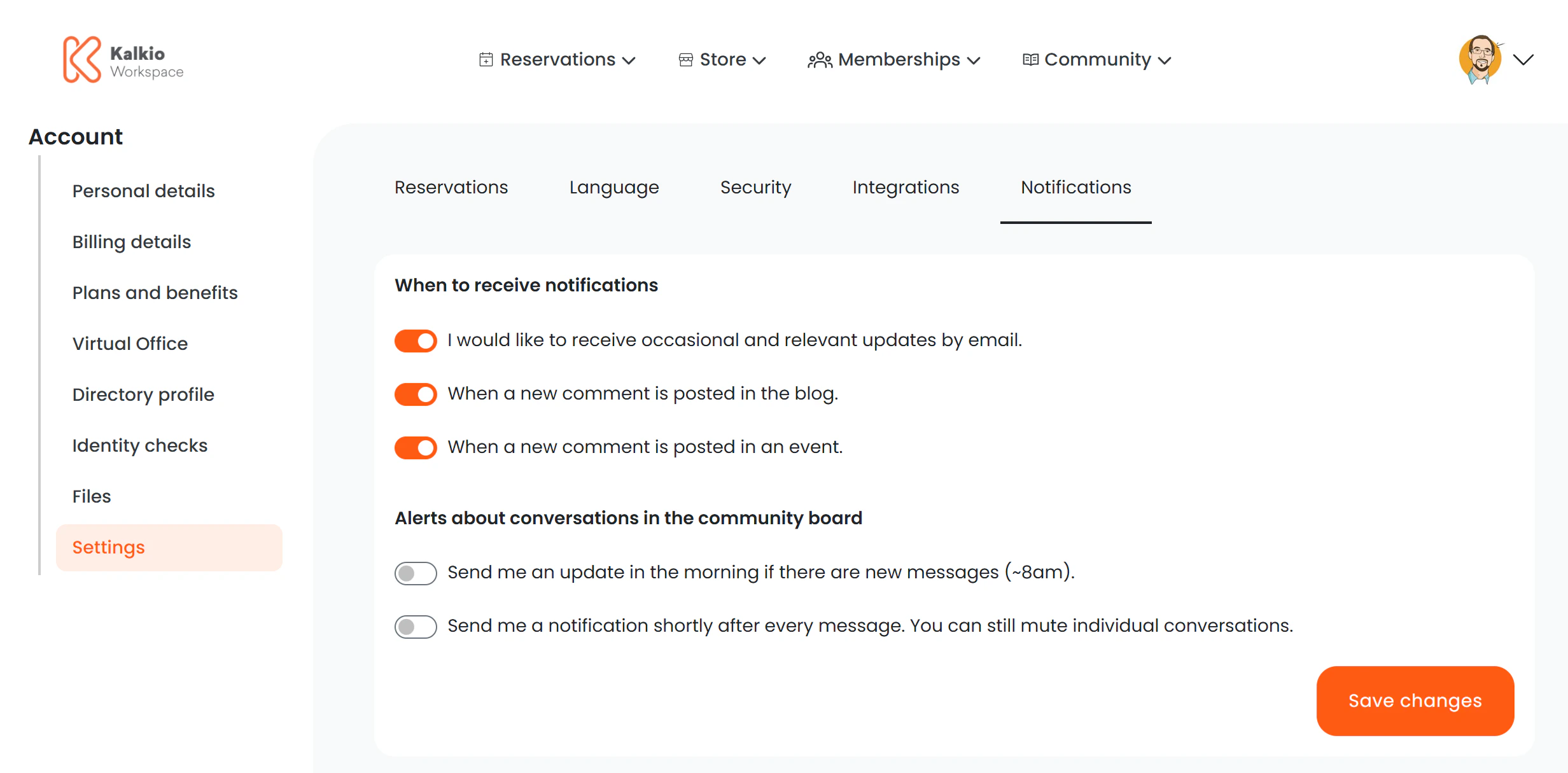
Settings tabs
The URL parameter:section determines which tab is active. Each tab loads a dedicated settings page:
Key features
- Tab-based navigation — members switch between settings areas without page reloads.
- Deep linking — each tab has a unique URL, so you can link members directly to a specific settings section.
- Shared components — the Integrations and Security tabs render the same components as their standalone pages, ensuring consistency.