

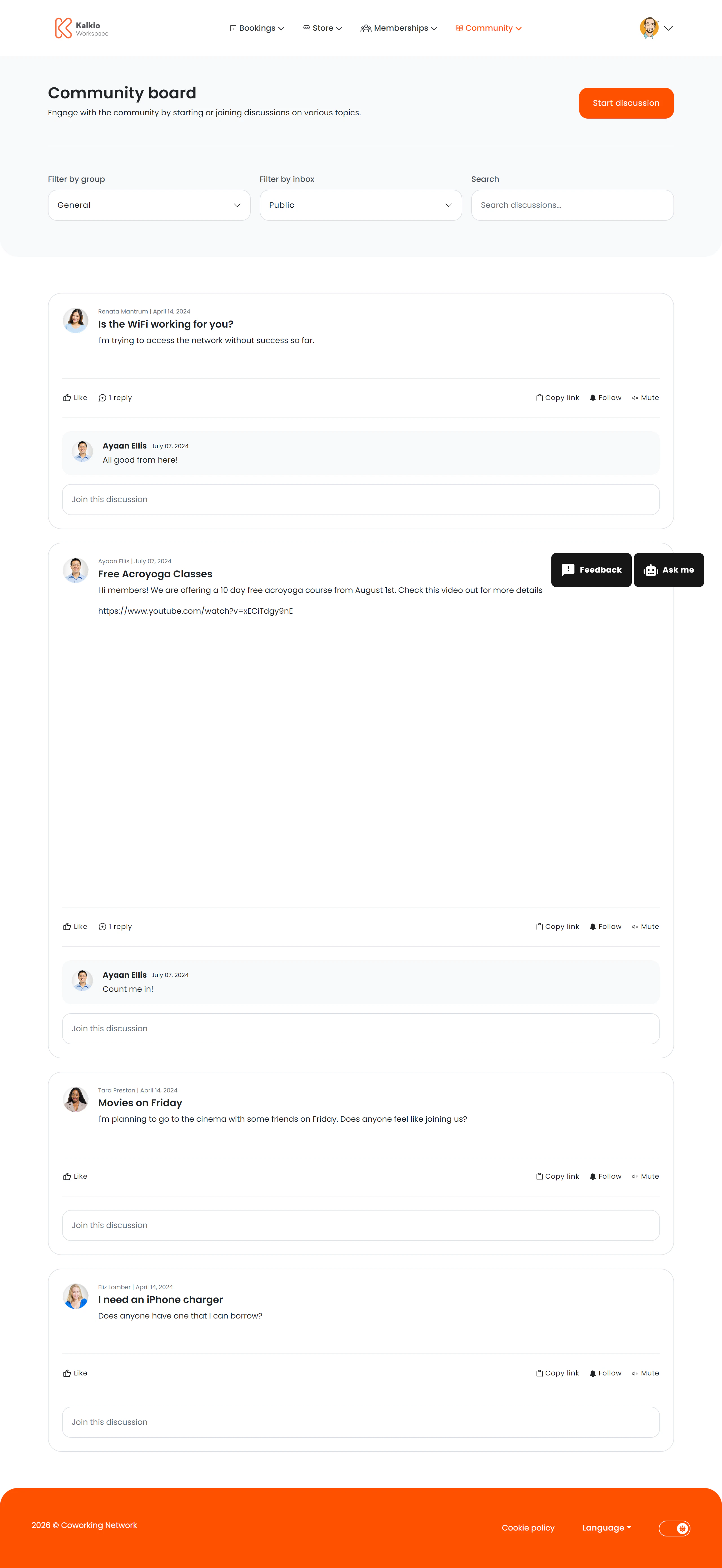
What members see
- Discussion thread list — a feed of community-posted topics with author name, date, and preview text.
- Start Discussion button — members can create new threads visible to the whole community.
- Filter bar — filter and sort discussions to find relevant topics.
Key features
How to configure
From the Page Editor in the dashboard you can:- Show or hide the filter bar
- Show or hide the Start Discussion button
- Toggle the page title