

What members see
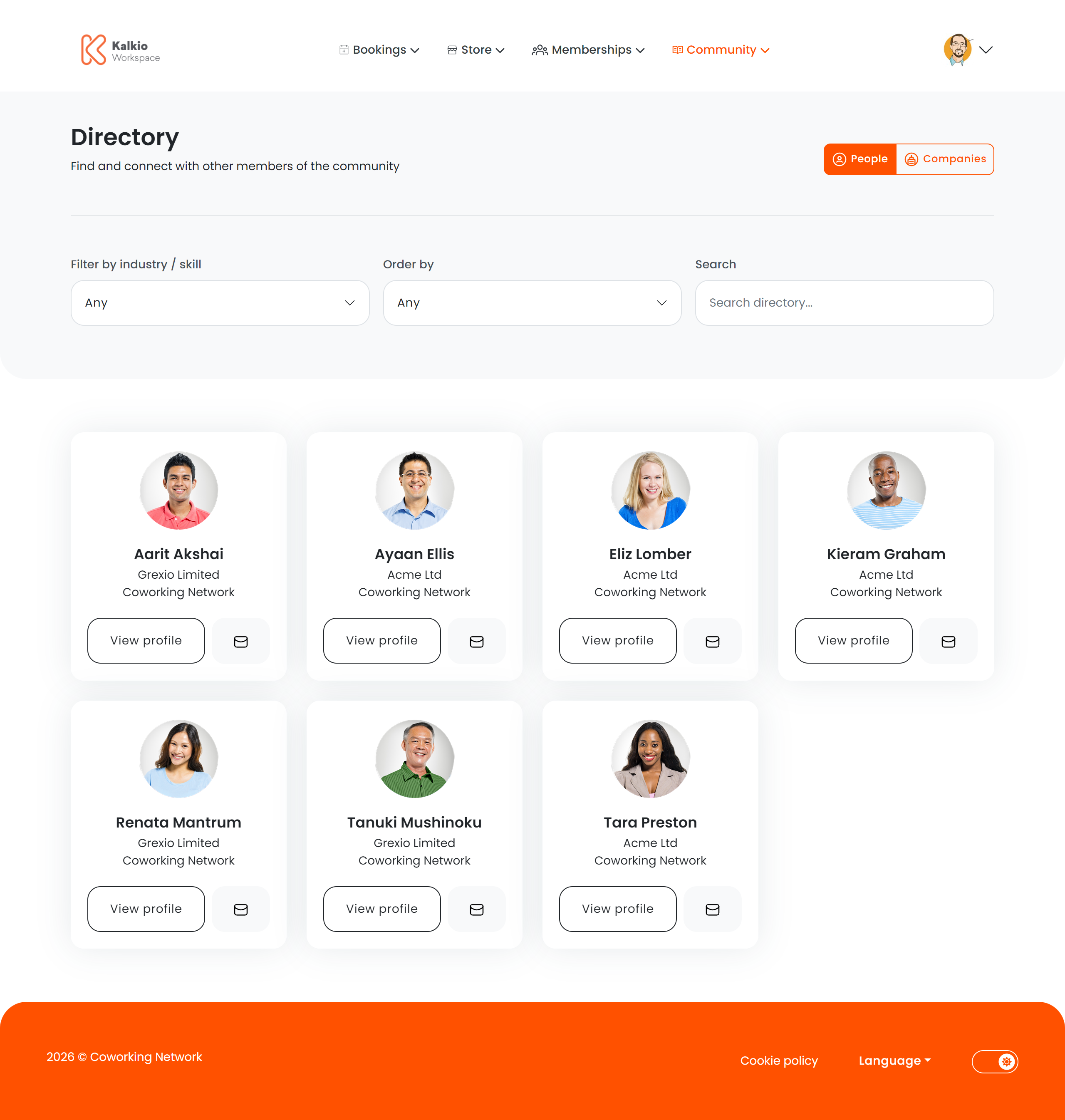
The directory displays member and company profiles as cards. Each card can show:- Company name
- Home / primary location
- Professional tags and categories (industry, specialty)
- View Profile button — opens the full member profile
- Message button — contact the member directly
Filtering & search
All filter controls can be individually toggled from the Page Editor.