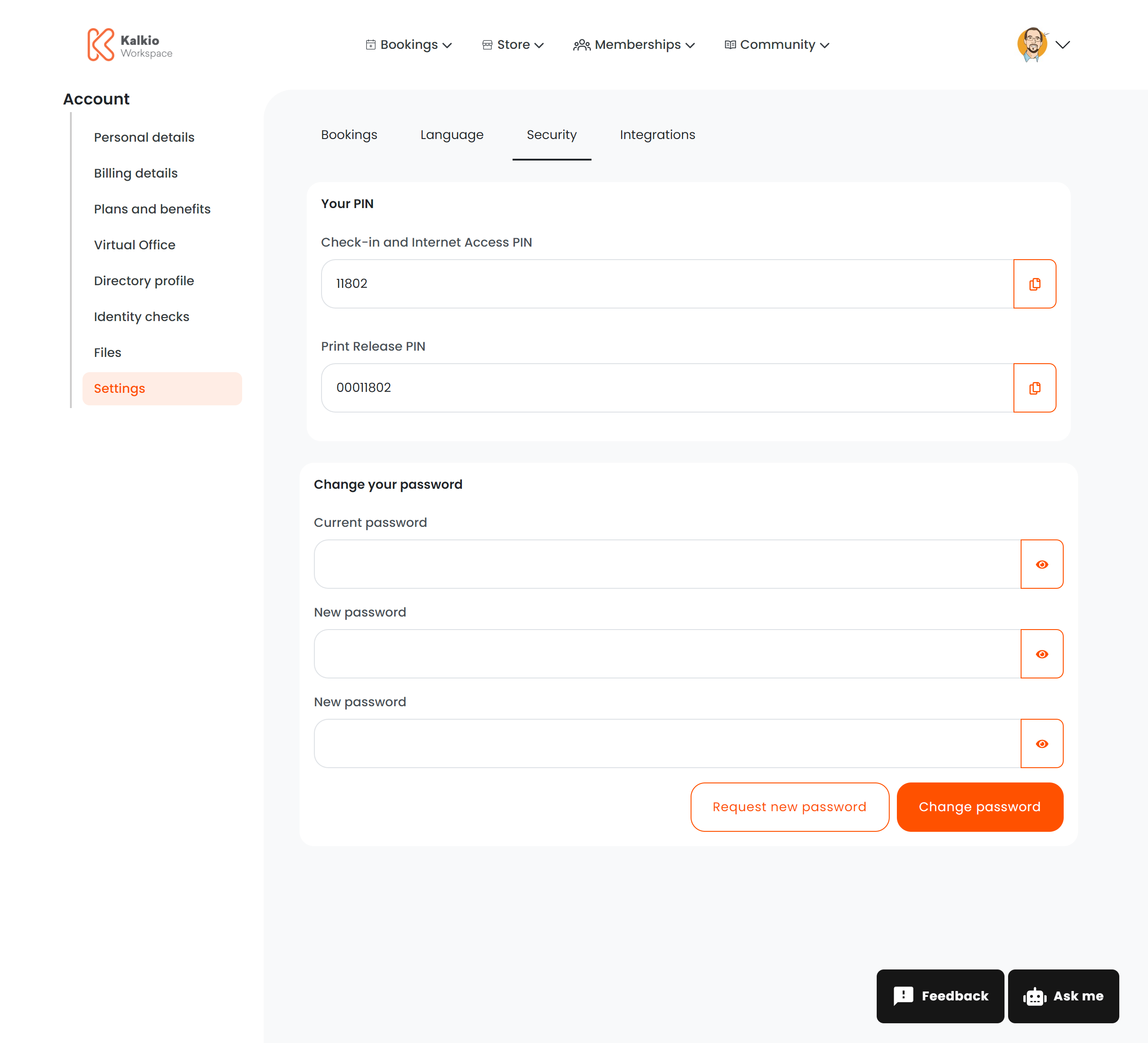
The credentials page lets members manage their account security — changing passwords and viewing access PINs.
What members see
PIN codes
A read-only section displaying the member’s access PINs with copy-to-clipboard buttons:
Change password
A form to update the member’s account password:
Password strength is validated in real time. If the current password is incorrect, a specific error message is shown.
Request new password
An alternative to manual password changes — sends a password reset link to the member’s email address. This is useful when the member has forgotten their current password but is still signed in.
Configurable sections
PINs are automatically generated. If you use PaperCut for printing, the print release PIN is displayed separately.