How the AI collects requirements
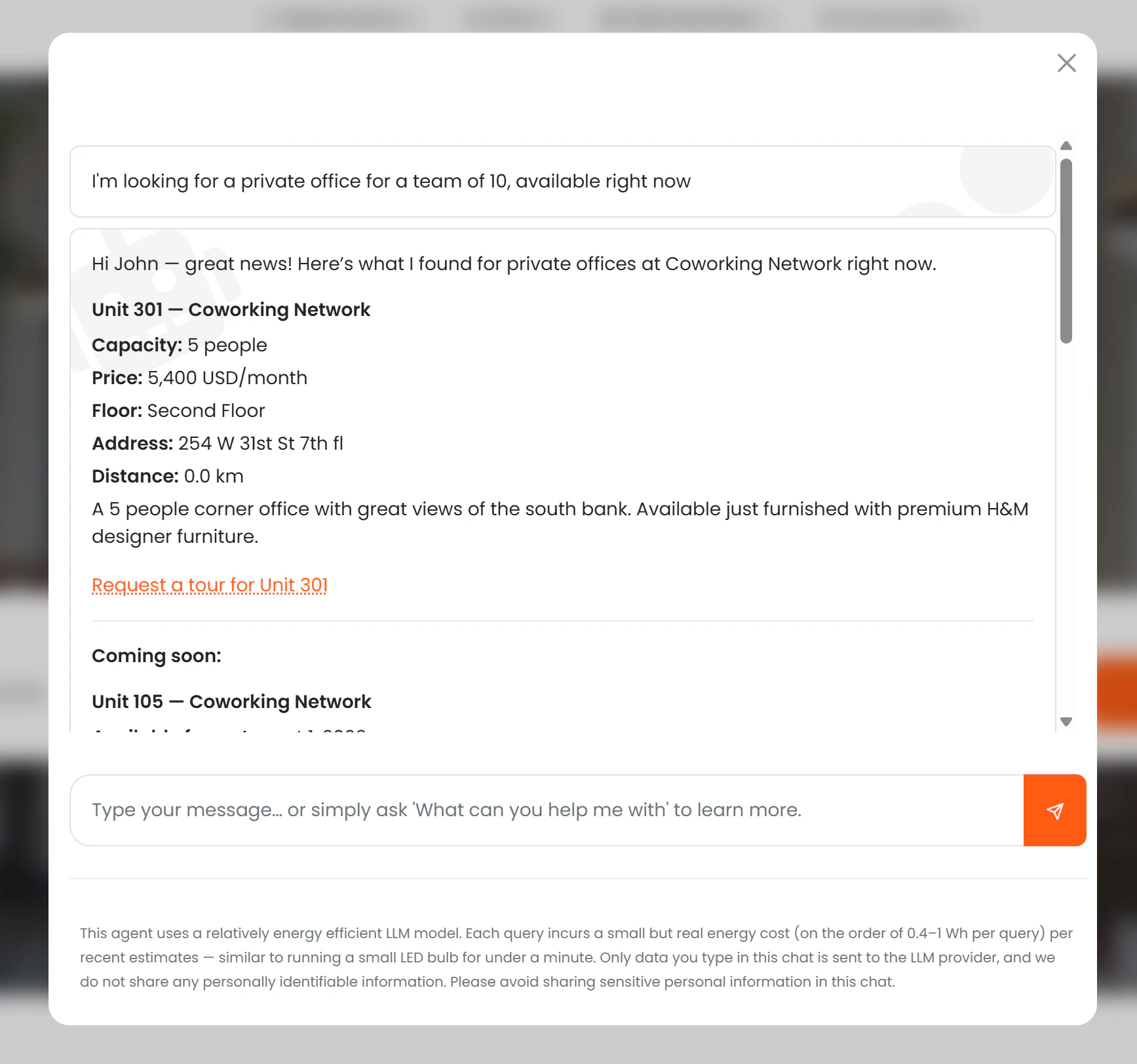
The AI gathers the prospect’s needs before presenting offices:- Move-in date — when they want to start
- Team size — minimum capacity needed
- Monthly budget — optional upper limit
What the AI shows
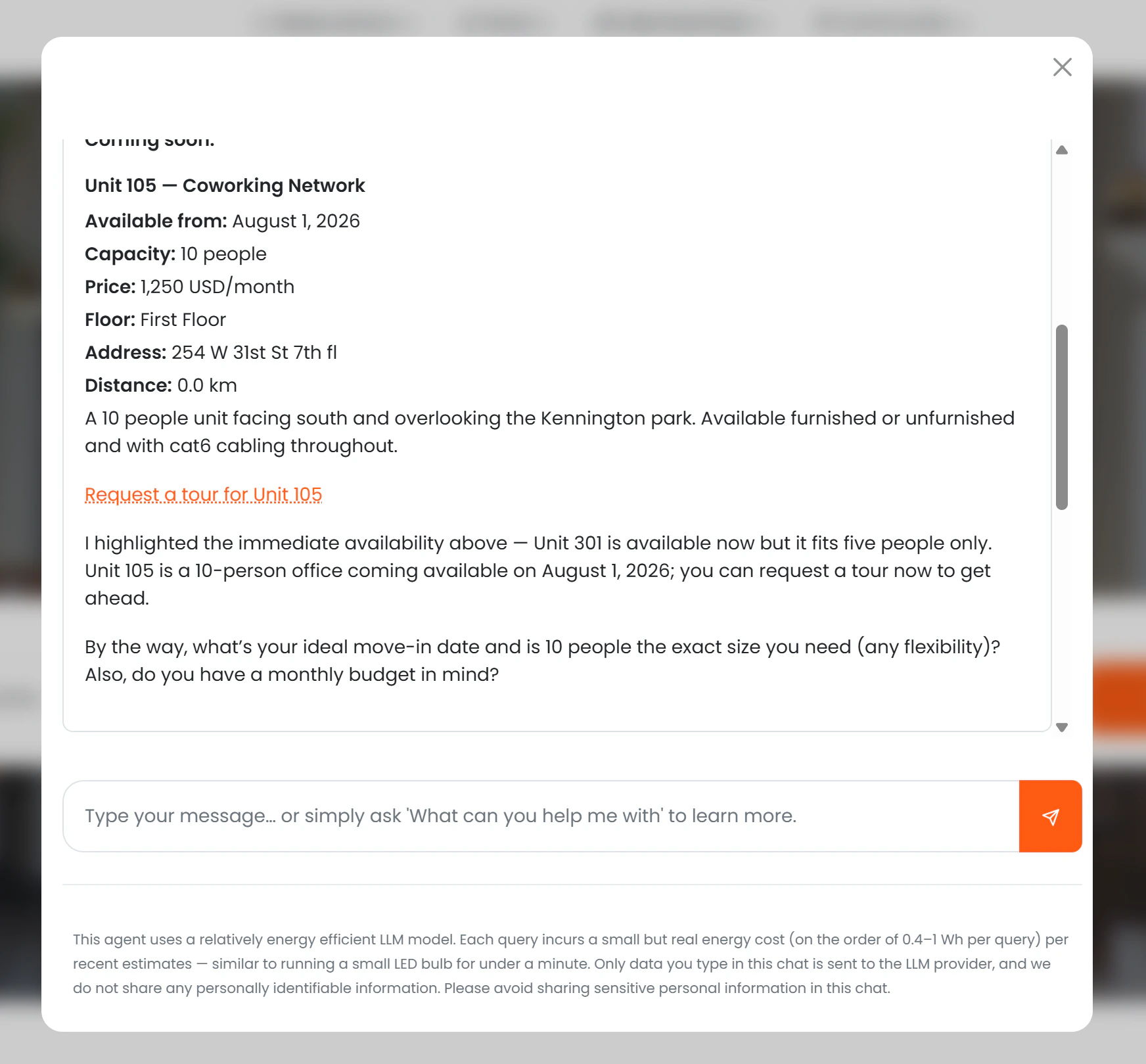
For each matching office, the AI presents:- Office name and description
- Capacity
- Monthly price (if Show price to AI is enabled)
- Floor plan location within the building
- Location name, address, and distance from the prospect
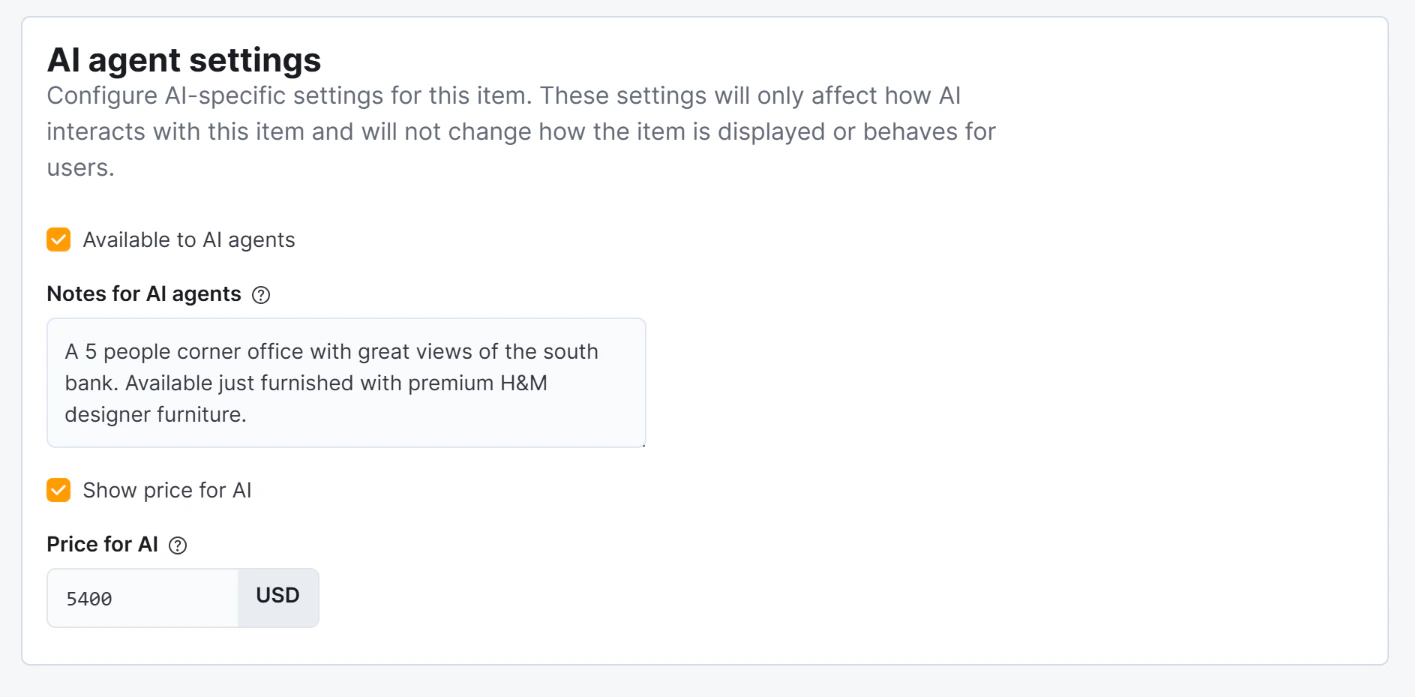
- Notes (drawn from Notes for AI)
- A “Request a tour for [Office Name]” link
Availability logic
The AI checks live contract data to determine each office’s status and decides what to show:
This means the AI never presents an office that has no foreseeable availability — reducing wasted tour requests.
Visibility rules
Notes for AI are incorporated naturally into the AI’s description of the office.
Conversion tracking
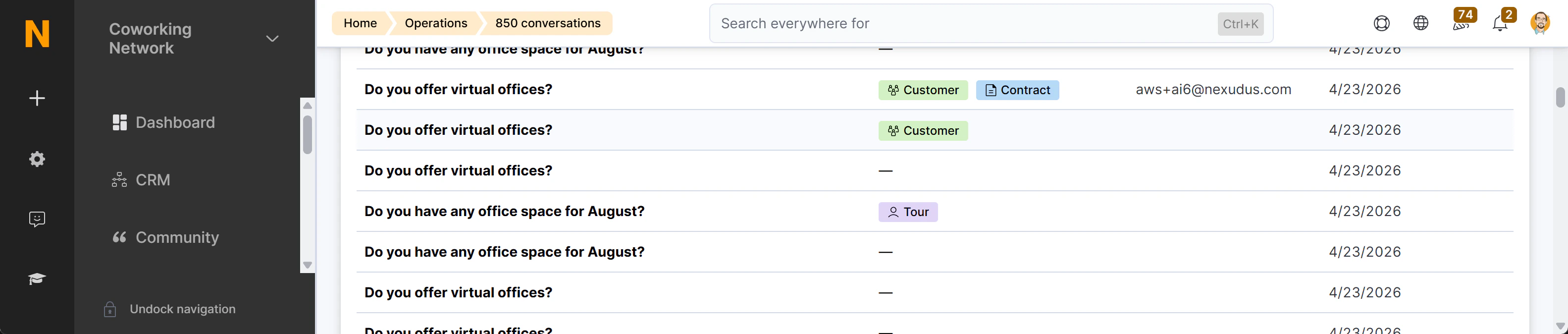
The tour request link contains the session ID and a summary of the prospect’s stated requirements (capacity, budget, move-in date). When the prospect submits the tour request form, Nexudus creates a Visitor record and links it to the chat session. This appears as a “Tour booked” badge (lavender colour) in the AI Conversations list, with a direct link to the Visitor record. Additionally, the full AI conversation that led to the tour is embedded directly on the Visitor record — giving your team context before the visit. See Monitoring Conversations for details.